CAD2Quads2026.01 / Windows x64

CAD → QUAD MESH

From CAD model
to mesh.

Open a model, adjust the density and inspect the result in 3D.

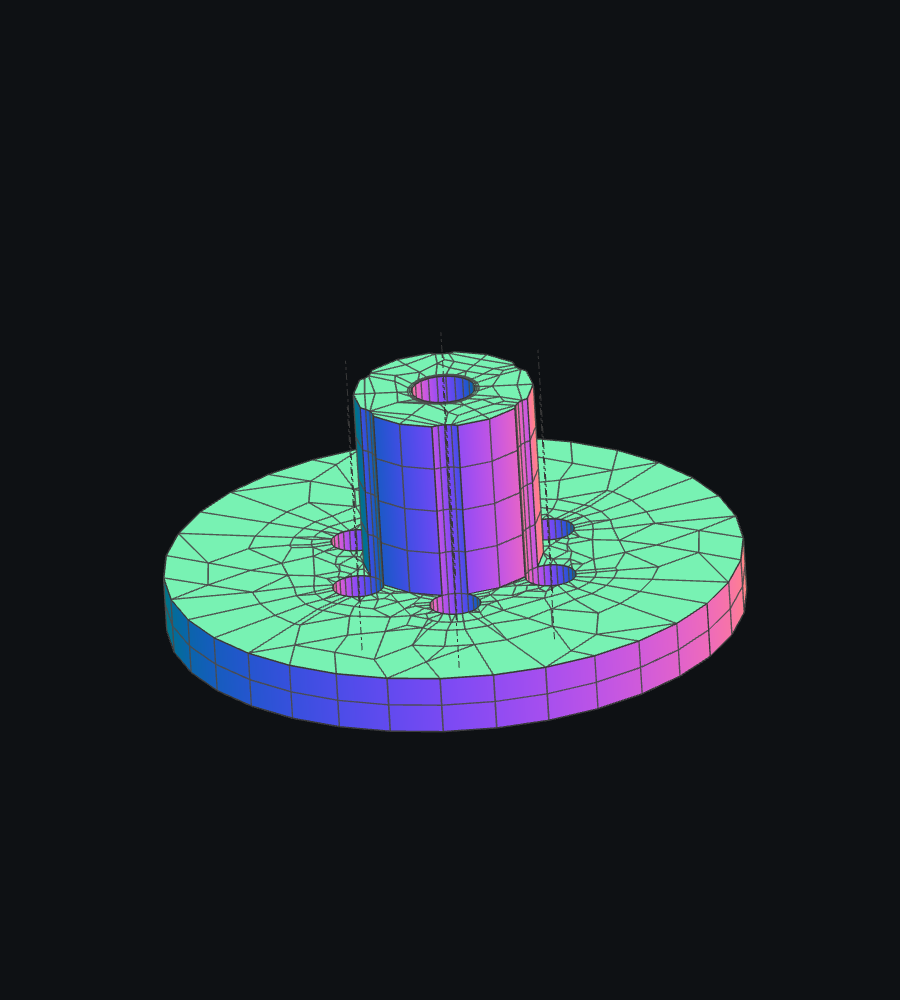
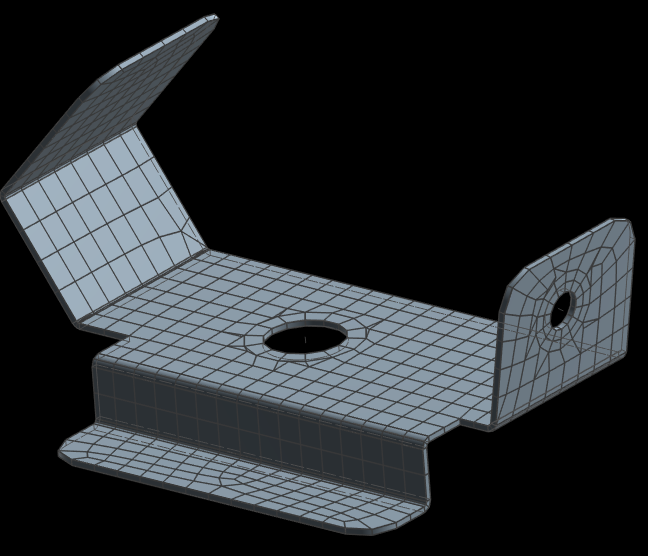
Flange mesh in CAD2Quads
Real model · quads with local triangular transitions
01 / DOWNLOAD

Try CAD2Quads

Register before downloading the installer. The same email address will be used for your license.

Your name and email are stored to record your registration and license. No password or email confirmation is required.

02 / LICENSE

Try your own models first

Viewing and mesh generation are available without a license. Saving and export are unlocked with a license issued by the administrator.

Place CADQuader.license next to CAD2Quads.exe and restart the application.

EXAMPLES

From surface to mesh

The same part before and after mesh generation. Click an image to view it at full size.

01Bent part with holes
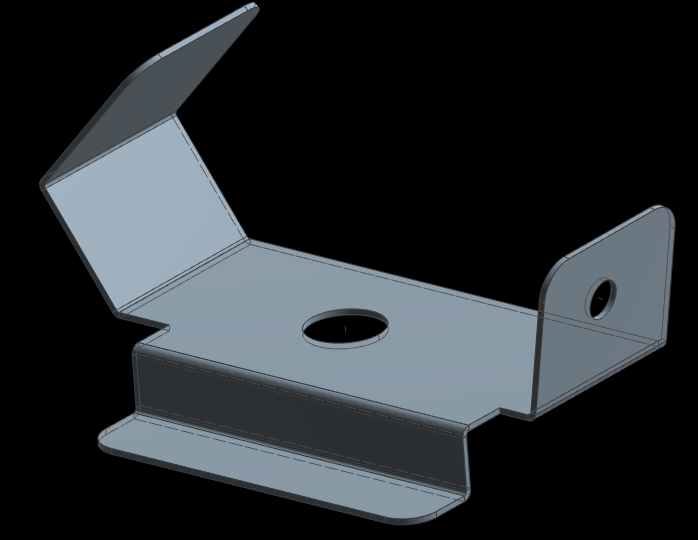
Bent part with holes — CAD model
CAD model
Bent part with holes — Mesh
Mesh

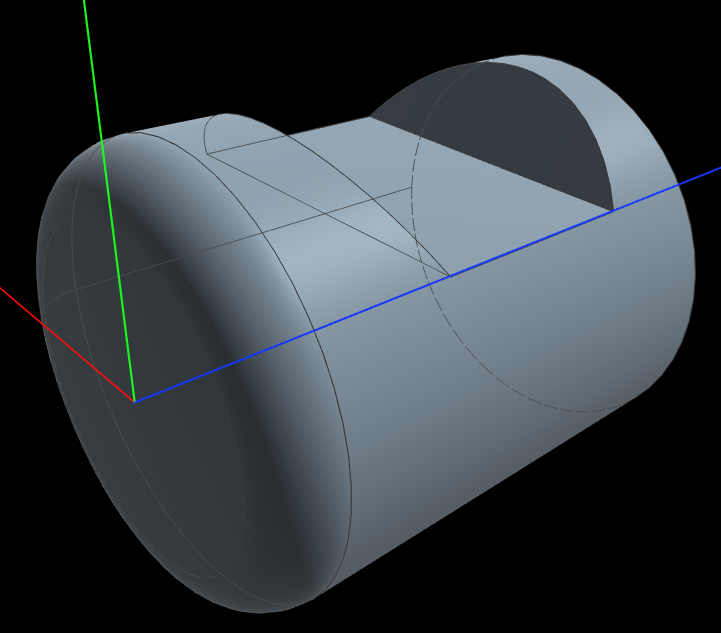
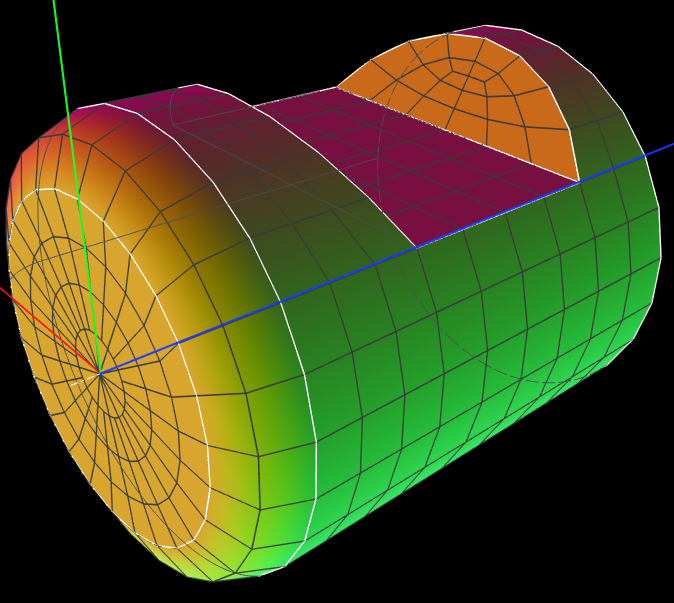
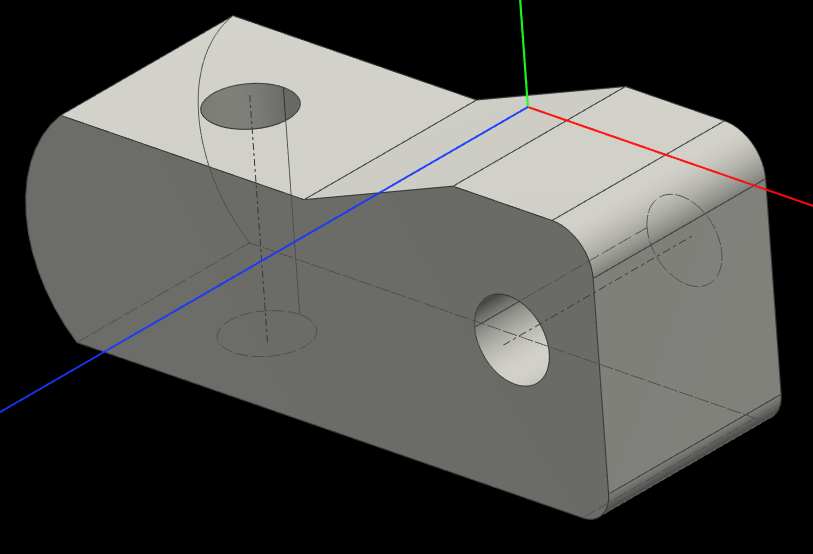
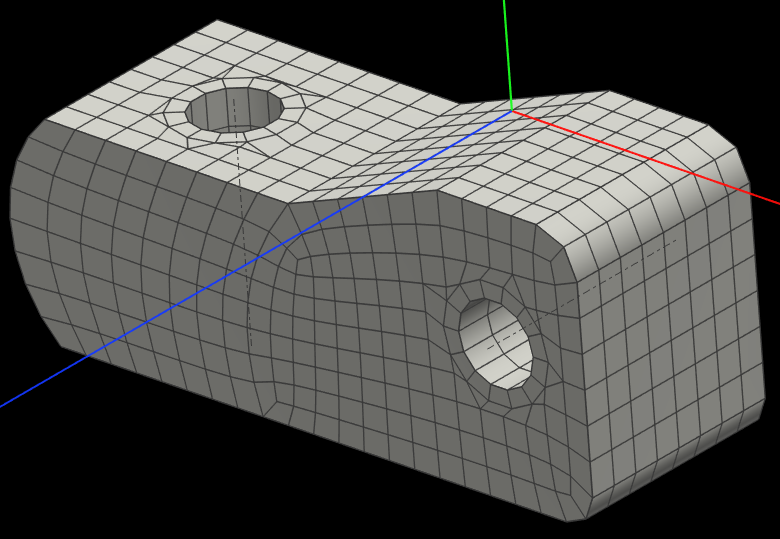
02Cylindrical part with a cutout

Cylindrical part with a cutout — CAD model
CAD model
Cylindrical part with a cutout — Mesh
Mesh

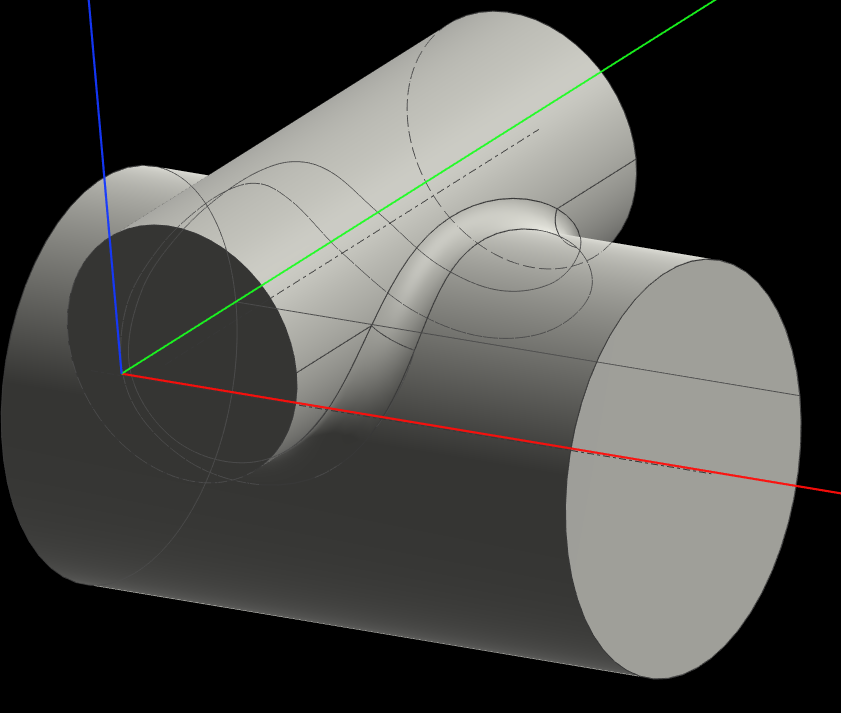
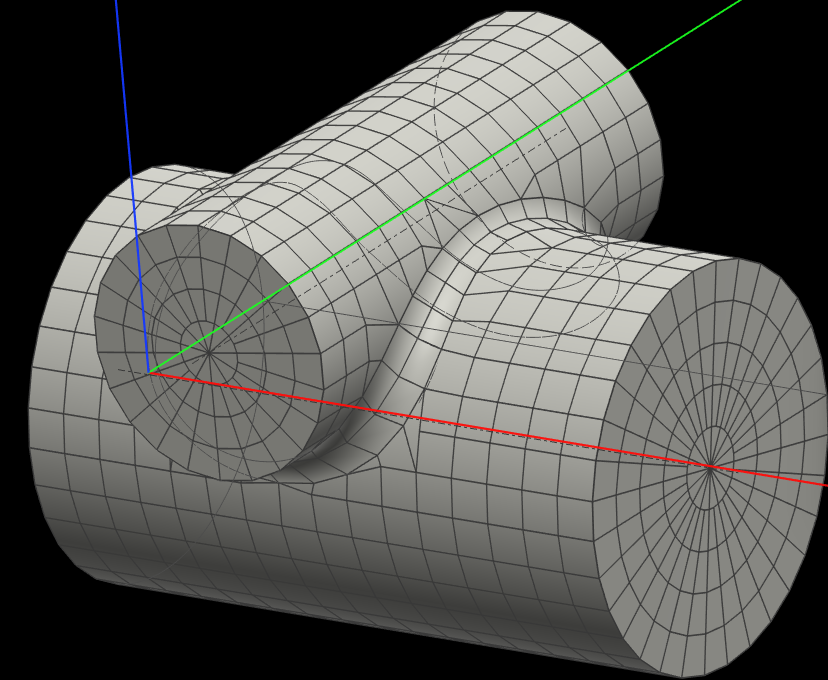
03Intersecting cylindrical surfaces

Intersecting cylindrical surfaces — CAD model
CAD model
Intersecting cylindrical surfaces — Mesh
Mesh

04Fillets and through holes

Fillets and through holes — CAD model
CAD model
Fillets and through holes — Mesh
Mesh